Transportation
How to Register Your Delivery Company and Fleet
Registering as a carrier is self-service - no approval step - and you can start receiving jobs the same day.
Register your company
Go to the Transportation Portal's registration page and fill in your company details and an admin login.
Add your vehicles
Under My Fleet, list each vehicle with its weight and volume capacity - this is what MPAZI checks a shipment against.
Set your rates
Under My Rates, set a base fee, a per-kilometer fee, a per-kilogram fee, your service area, and how fast you can deliver (same day / next day / standard).
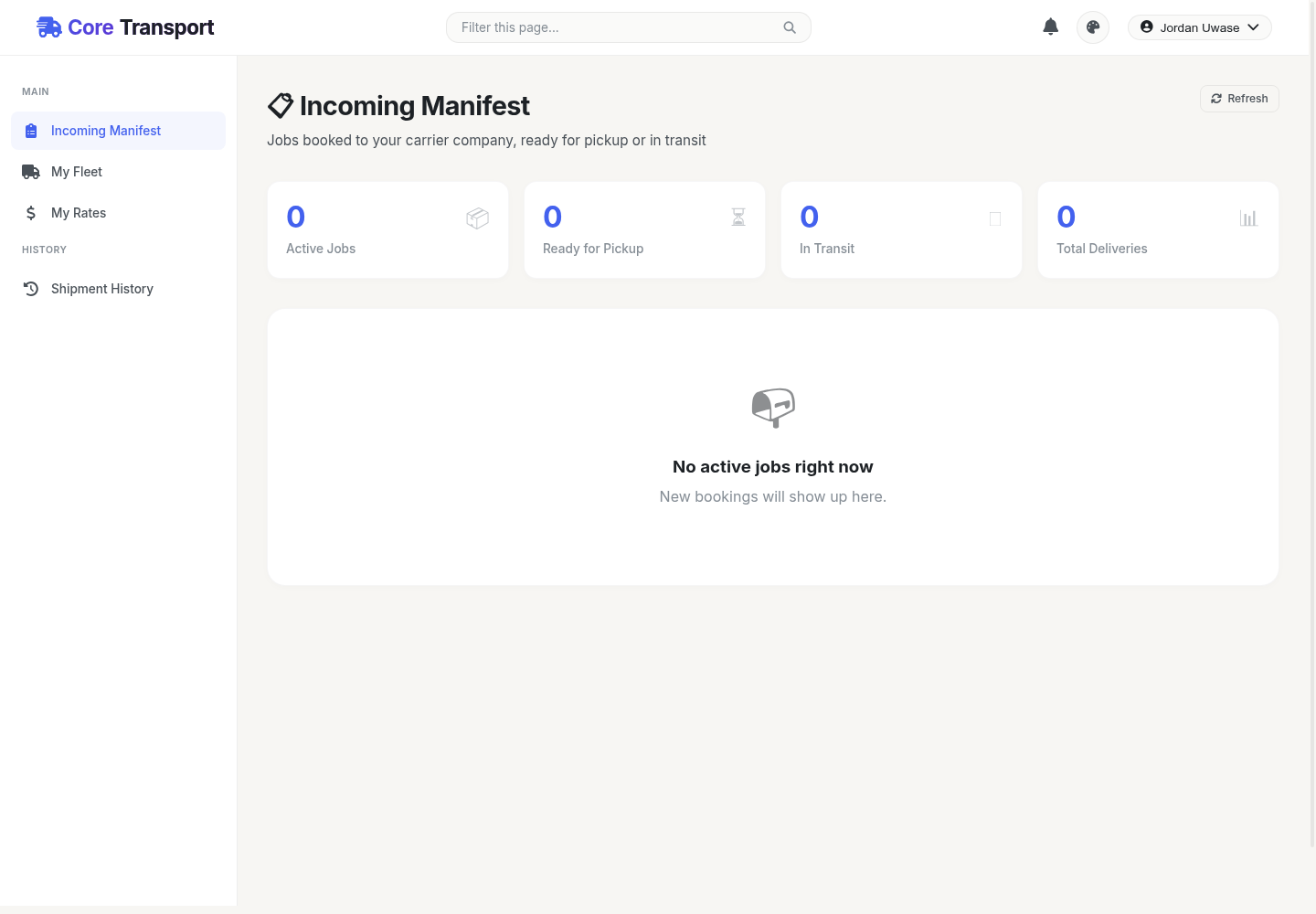
Watch your Incoming Manifest
Once a business books you for a job, it shows up here automatically - no need to bid or apply for it.