Transportation
How to Set Delivery Pricing
A rate card is what turns a registered vehicle into something MPAZI can actually book and price - without one, that vehicle type can't be matched to jobs.
Register a vehicle type first
Rates are set per vehicle type, so add one under My Fleet before coming here if you haven't already.
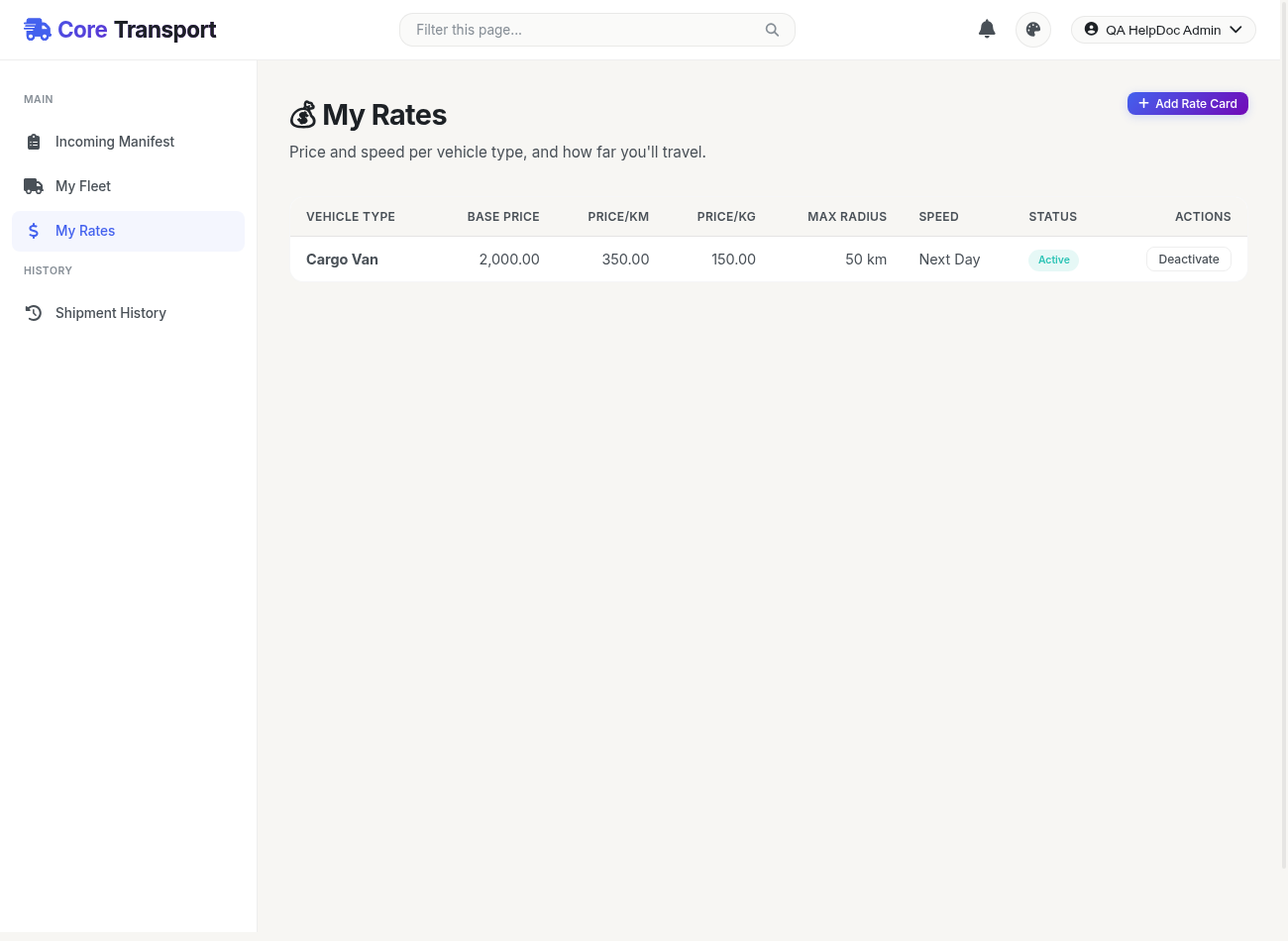
Open My Rates
Click Add Rate Card and choose which vehicle type this pricing applies to.
Set your pricing
Enter a Base Price (flat starting fee), a Price per km, and a Price per kg - MPAZI combines all three to quote each shipment.
Set your coverage and speed
Enter your Max Service Radius in kilometers, and pick an Estimated Delivery speed (same day, next day, or standard).
Activate it
Once saved, the rate card is active immediately - it can now be matched against any shipment that fits its capacity and radius.