ERP App
How to Issue Invoices and Record Walk-in Cash Sales
Every sale your business makes - whether it happened in person or was invoiced to a customer - gets recorded the same way, and it's what keeps your inventory and reports accurate.
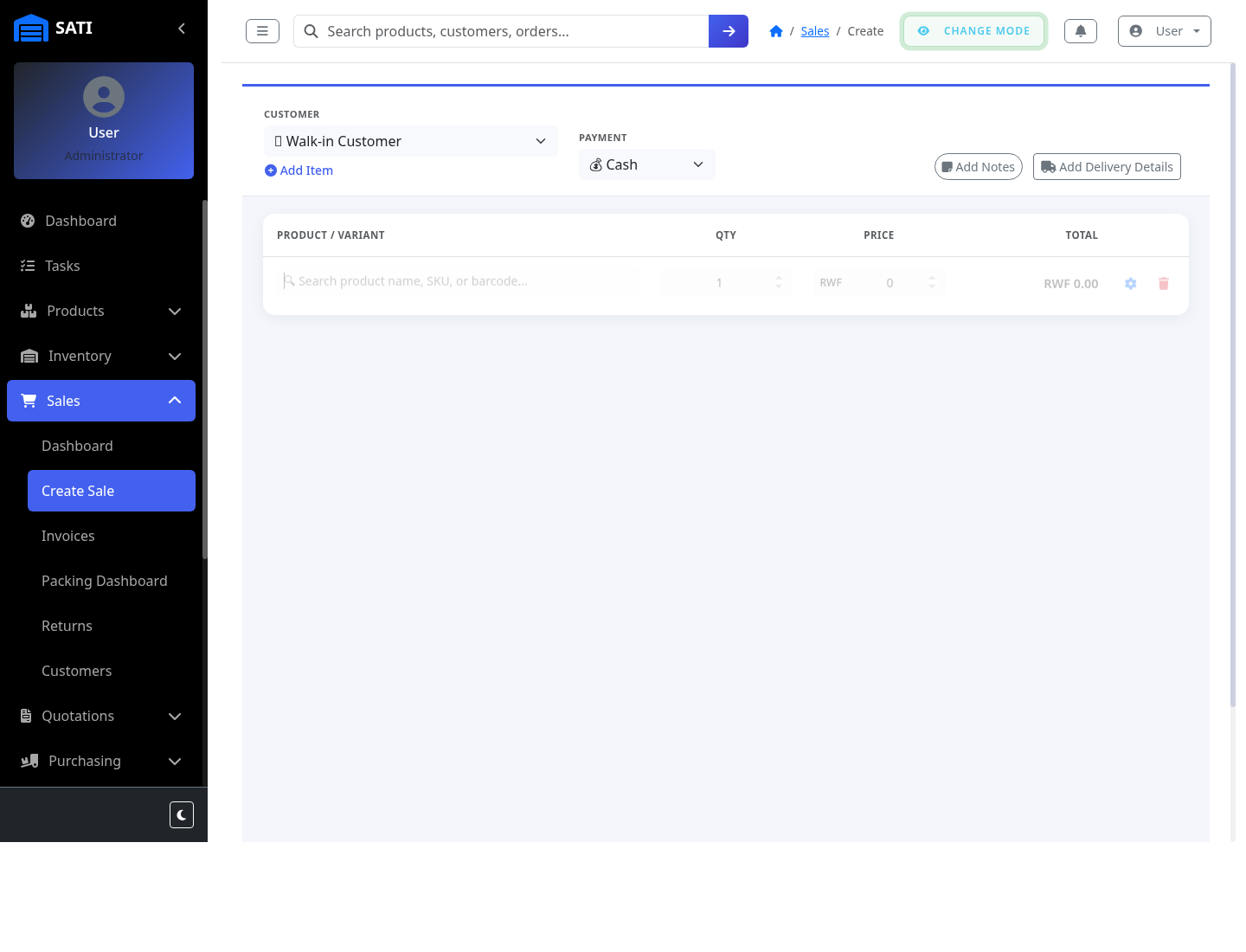
Start a new sale
Go to Sales → New Sale. Pick an existing customer or add a new one, and choose a payment method.
Add items
Use Add Item to select each product (and variant, if it has one), set the quantity, and confirm the price - the line and running total update as you go.
Choose walk-in cash or invoice
For an in-person cash sale, mark it paid immediately. For a customer paying later, issue it as an invoice - it's tracked as unpaid until payment is recorded.
Complete the sale
Submitting deducts stock automatically and creates the sales record - from here it can move on to packing and shipping if it needs delivery.