ERP App
How to Create Purchase Orders and Receive Supplier Goods
Purchase orders are how restocking gets tracked end-to-end - from what you ordered, to what actually showed up.
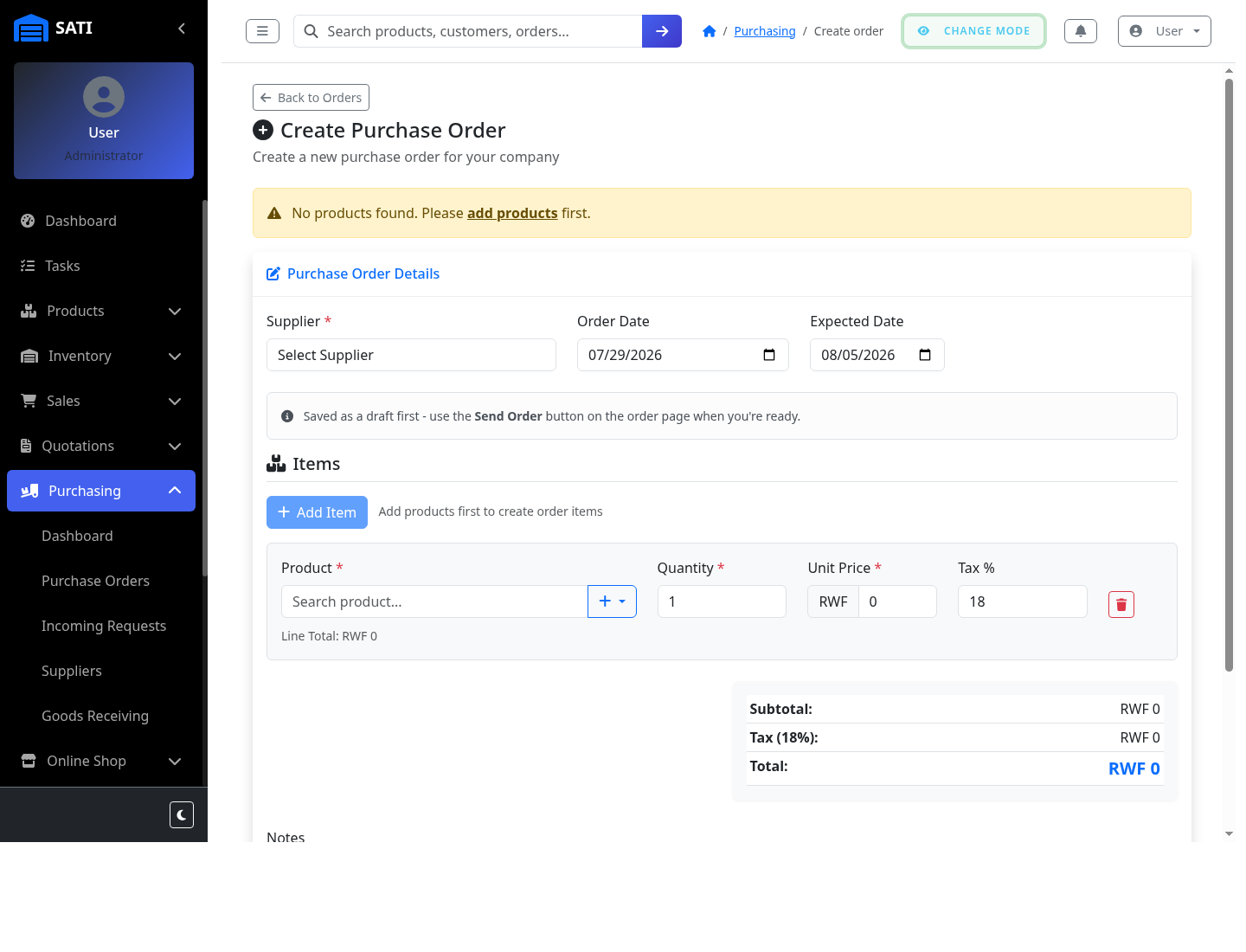
Start a new purchase order
Go to Purchasing → Purchase Orders and click to create a new order. Pick the Supplier, an order date, and an expected delivery date.
Add items
Use Add Item to list each product and quantity you're ordering. The subtotal, tax, and total update automatically.
Send the order
Submit it - suppliers linked to your account as companies can see and respond to it directly; others you'd simply order from offline using this as your record.
Receive the goods
When the delivery arrives, open the purchase order and use Goods Receiving to check items in against what was ordered - this is what updates your inventory counts.