Core Market
How to Track Your Package in Real Time
Once a business packs your order and books a delivery company, you can watch its status update live - pickup, in transit, delivered - without needing to log in.
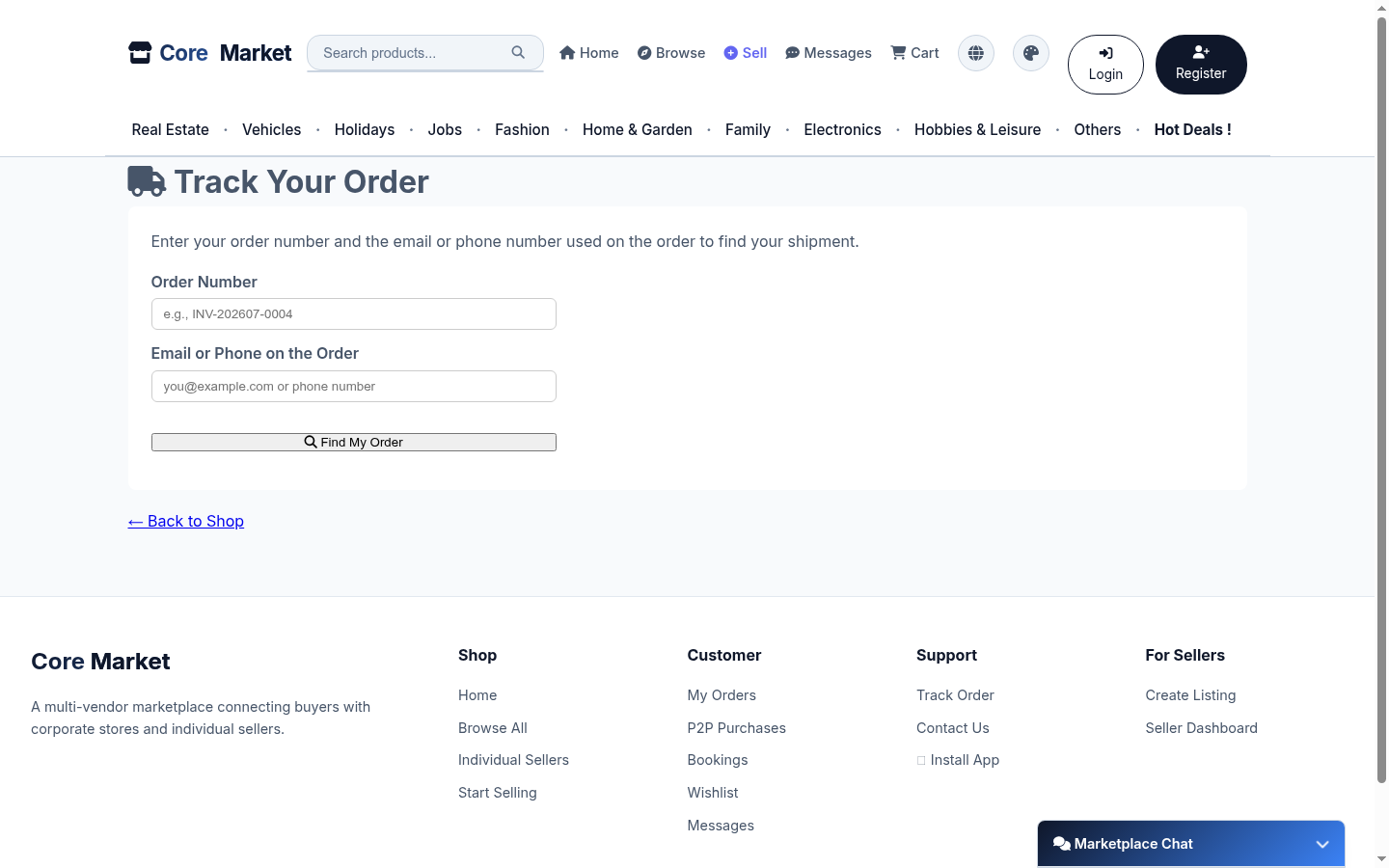
Open Track Order
From the footer or account menu, click Track Order.
Enter your order number and contact info
Type in your order number (e.g. INV-202607-0004) and the email or phone number used on the order.
Follow the live status
Once found, the page shows the current delivery stage and updates automatically as the delivery company confirms pickup and delivery - bookmark or share the link to check back anytime.