Core Market
How to Browse, Filter, and Add Items to Your Cart
Core Market mixes listings from registered businesses and individual sellers in one search - filters help you narrow down to what you actually want.
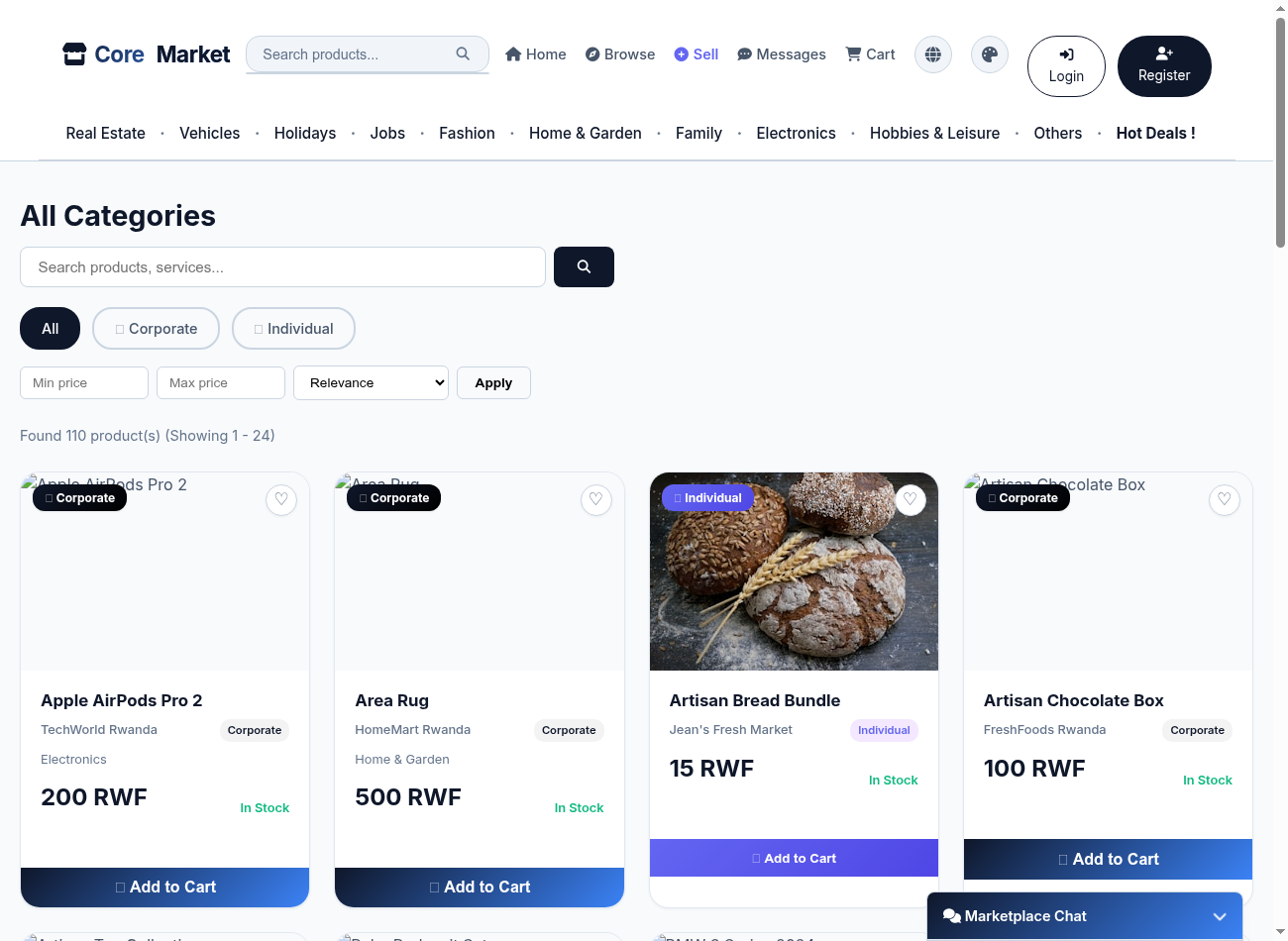
Search or browse a category
Use the search bar for a specific item, or click a category chip (Electronics, Fashion, Vehicles, etc.) to browse everything in it.
Filter by seller type
Use the All / Corporate / Individual toggle to show only registered businesses, only individual sellers, or both.
Narrow by price
Enter a Min price and/or Max price and click Apply, or change the sort order (e.g. price low to high).
Add to cart
Click Add to Cart on any item card. You can mix items from different sellers in one cart - checkout automatically splits them into separate orders per seller.