Core Market
How to Message a Seller (or Buyer) Before Buying
Both individual sellers and company stores can be messaged directly from their listing - useful for asking about condition, availability, or anything else before you commit to buying.
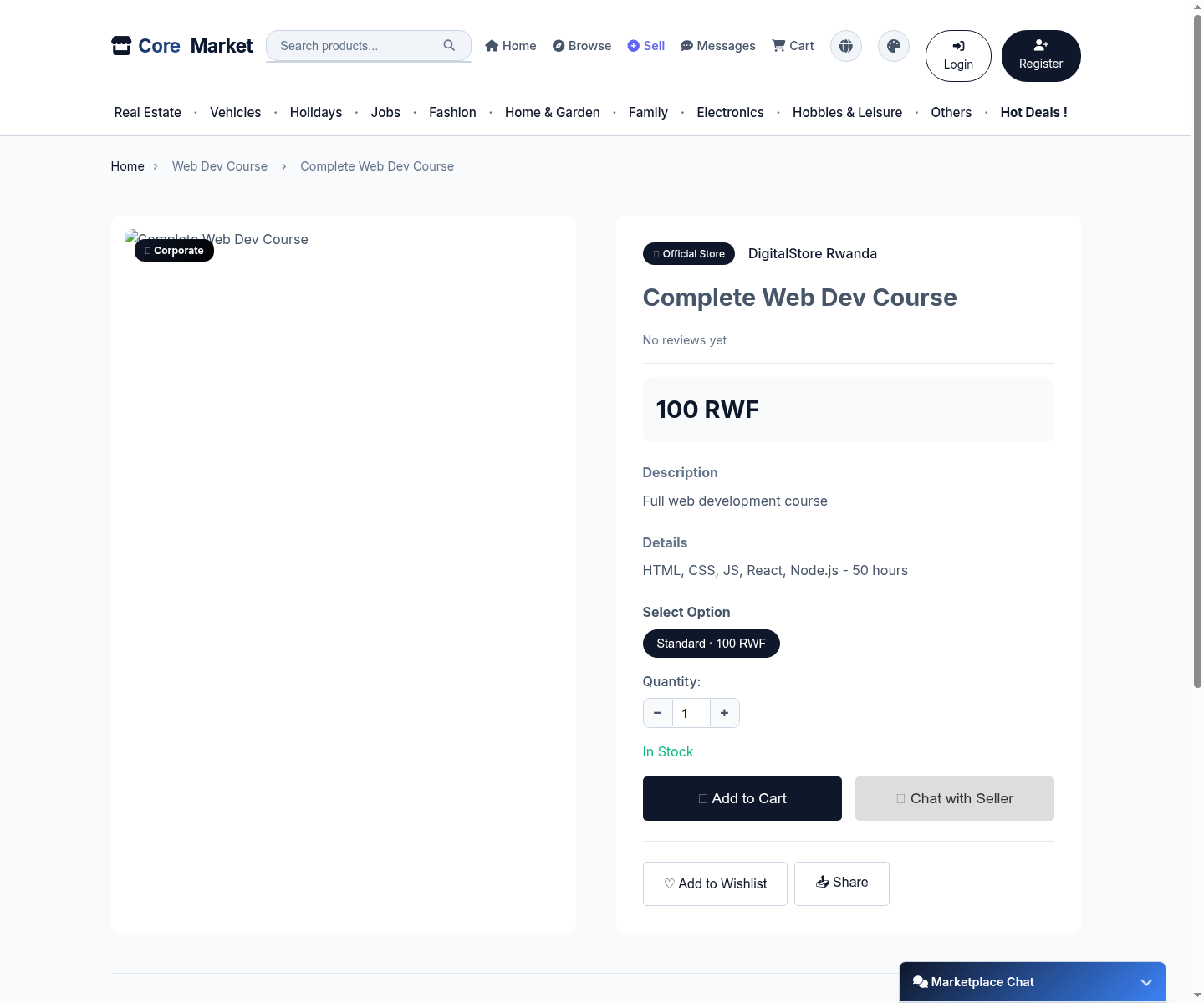
Open a listing
On any product or service page, click Chat with Seller (next to Add to Cart) to start or continue a conversation about that specific listing.
Send your message
Type your question and hit send. The seller sees it in their own Messages / Customer Inquiries inbox.
Attach a photo or PDF
Use the paperclip icon to attach an image (JPEG/PNG/WEBP, up to 2MB) or a PDF (up to 5MB) - handy for sharing a payment screenshot or a document without leaving the chat.
Keep track of replies
All your conversations are listed under Messages in your account, so you can pick up where you left off.