ERP App
How to Chat with Marketplace Customers (ERP Staff)
When a shopper messages your company from a Core Market listing, it lands in your ERP - not a separate inbox you have to check elsewhere.
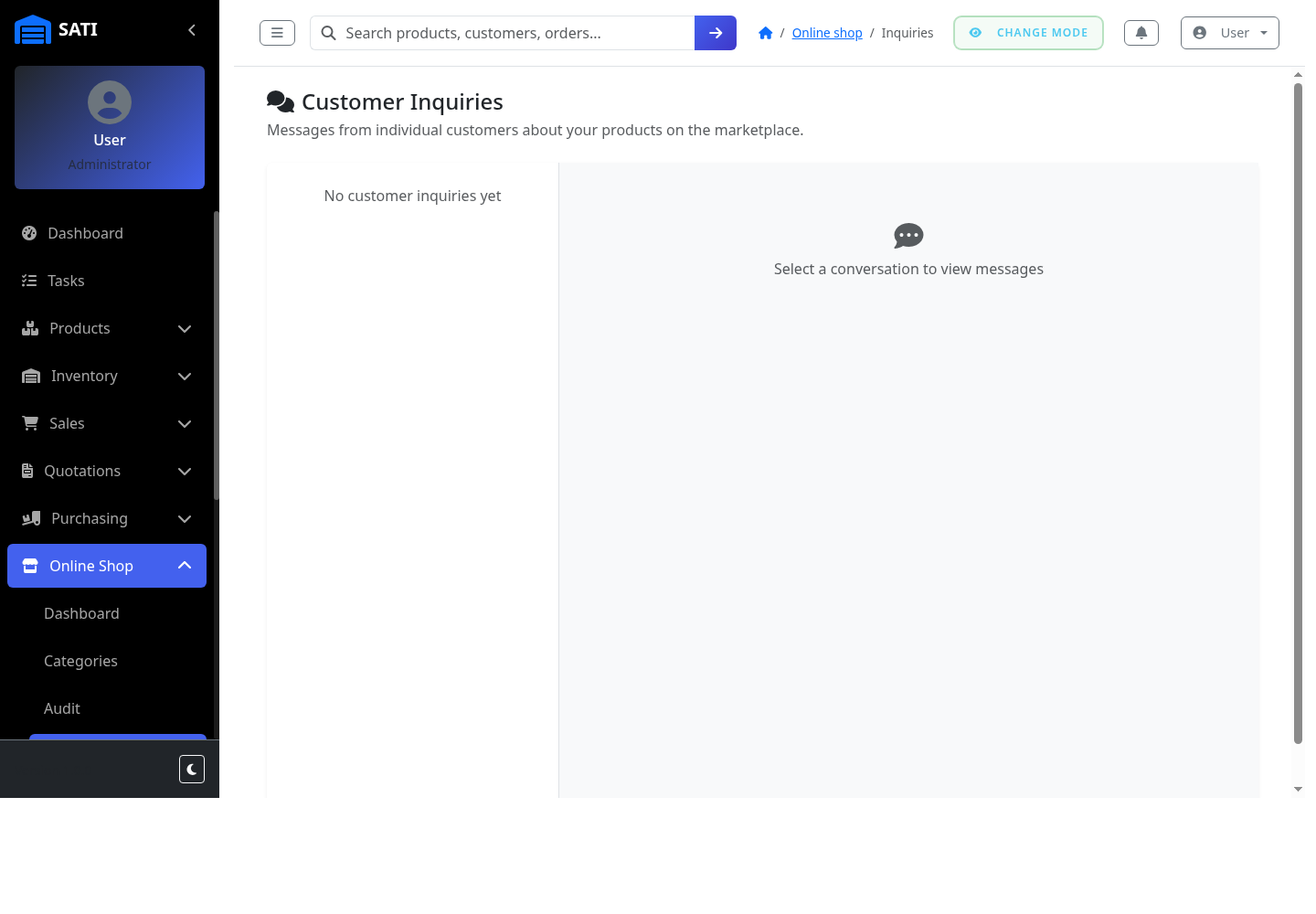
Open Customer Inquiries
Go to Online Shop → Customer Inquiries to see every conversation a marketplace customer has started with your company.
Select a conversation
Click a conversation on the left to read the full message history with that customer.
Reply
Type your response and send it - the customer sees it in their own Messages on Core Market.
View attachments
If a customer attached a photo or PDF (for example, a payment screenshot), it appears inline in the conversation - click it to view the full file.